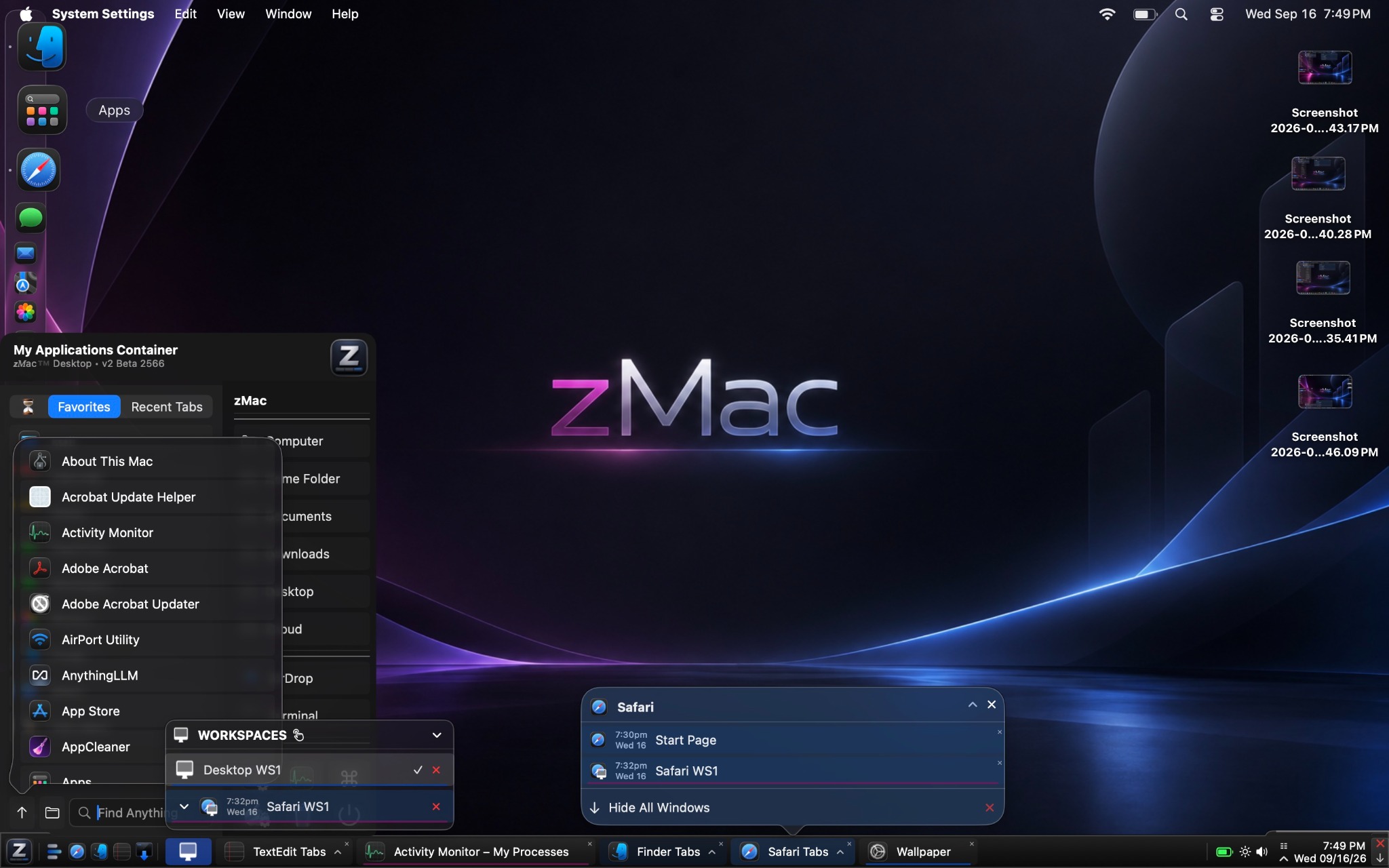
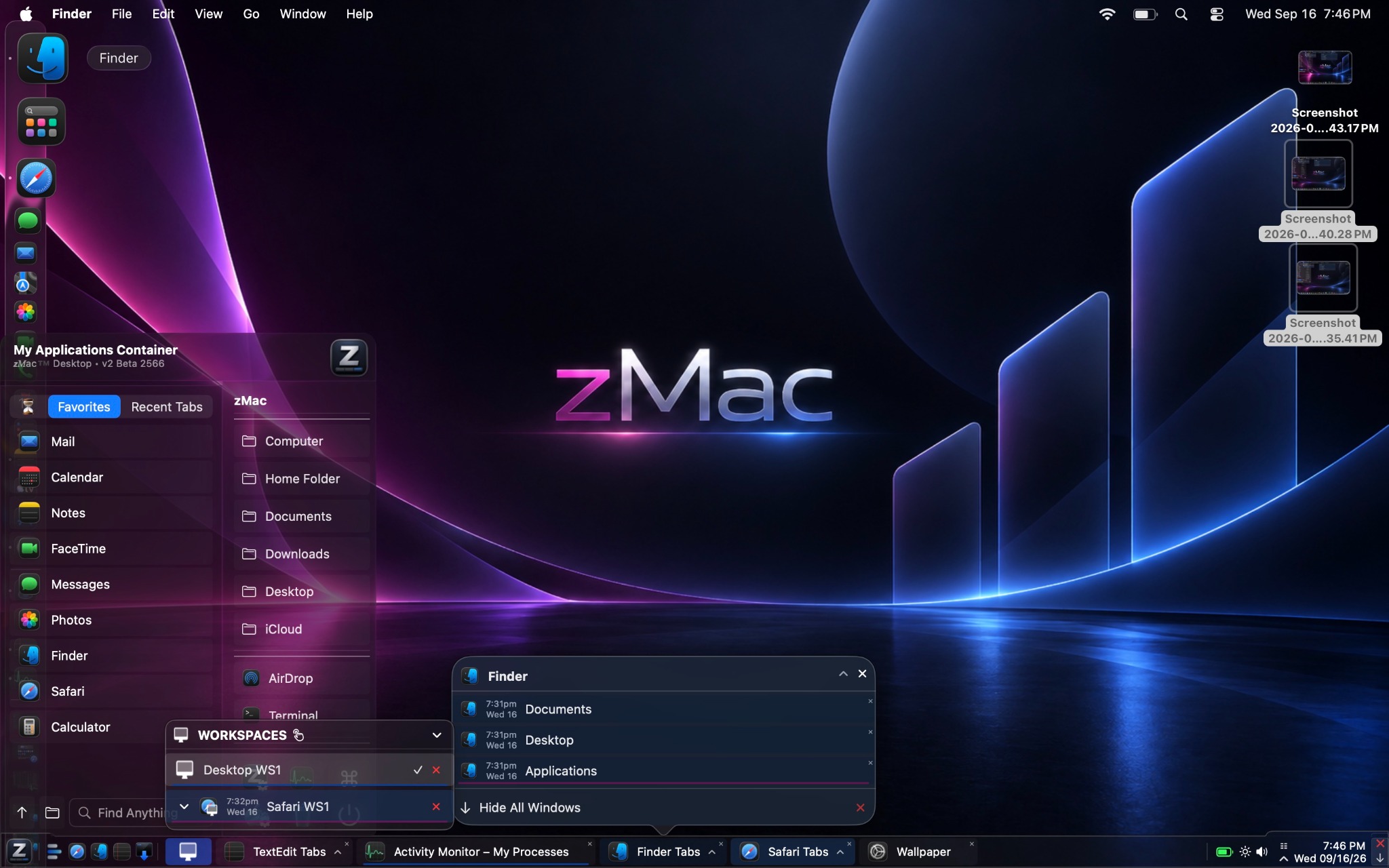
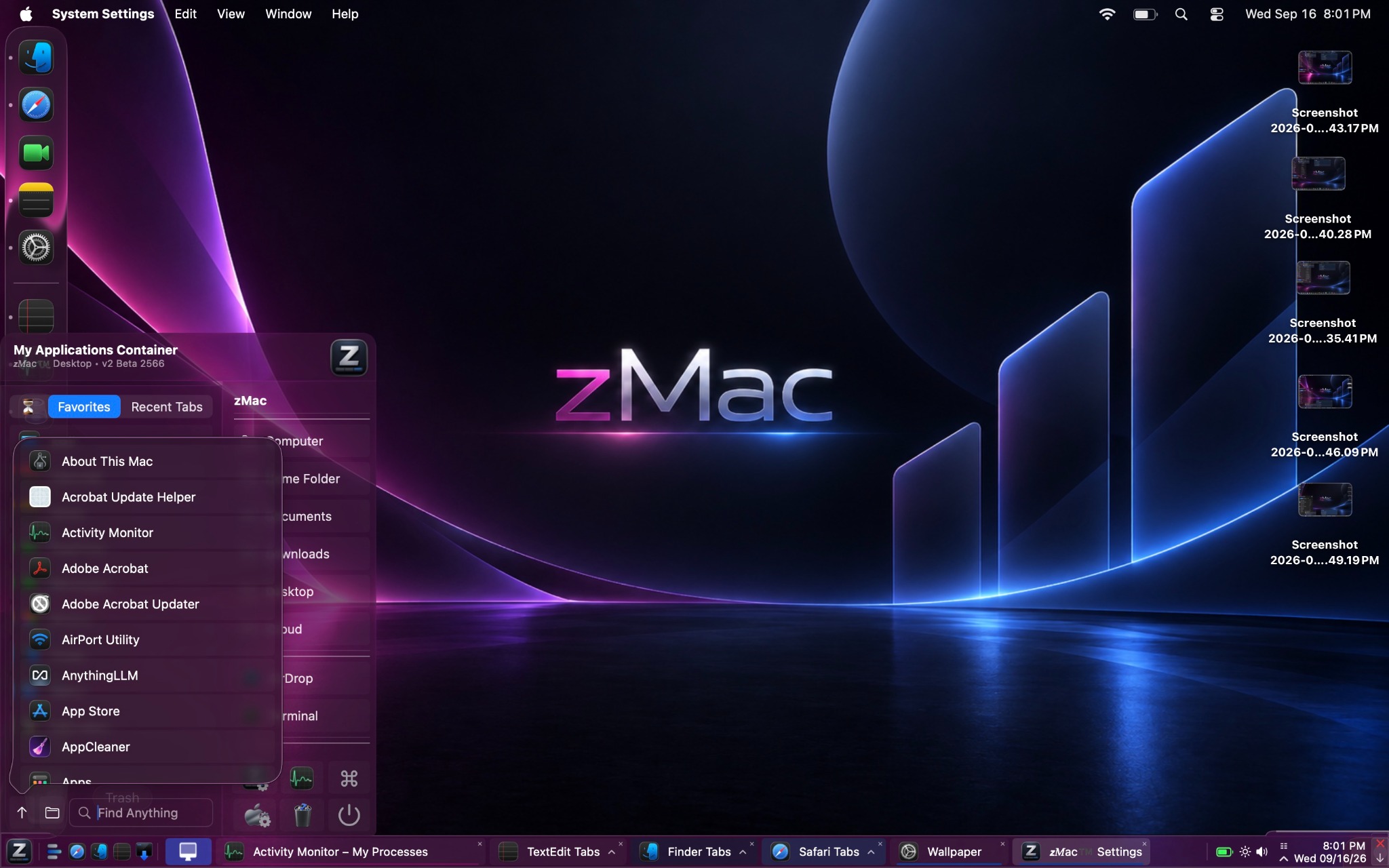
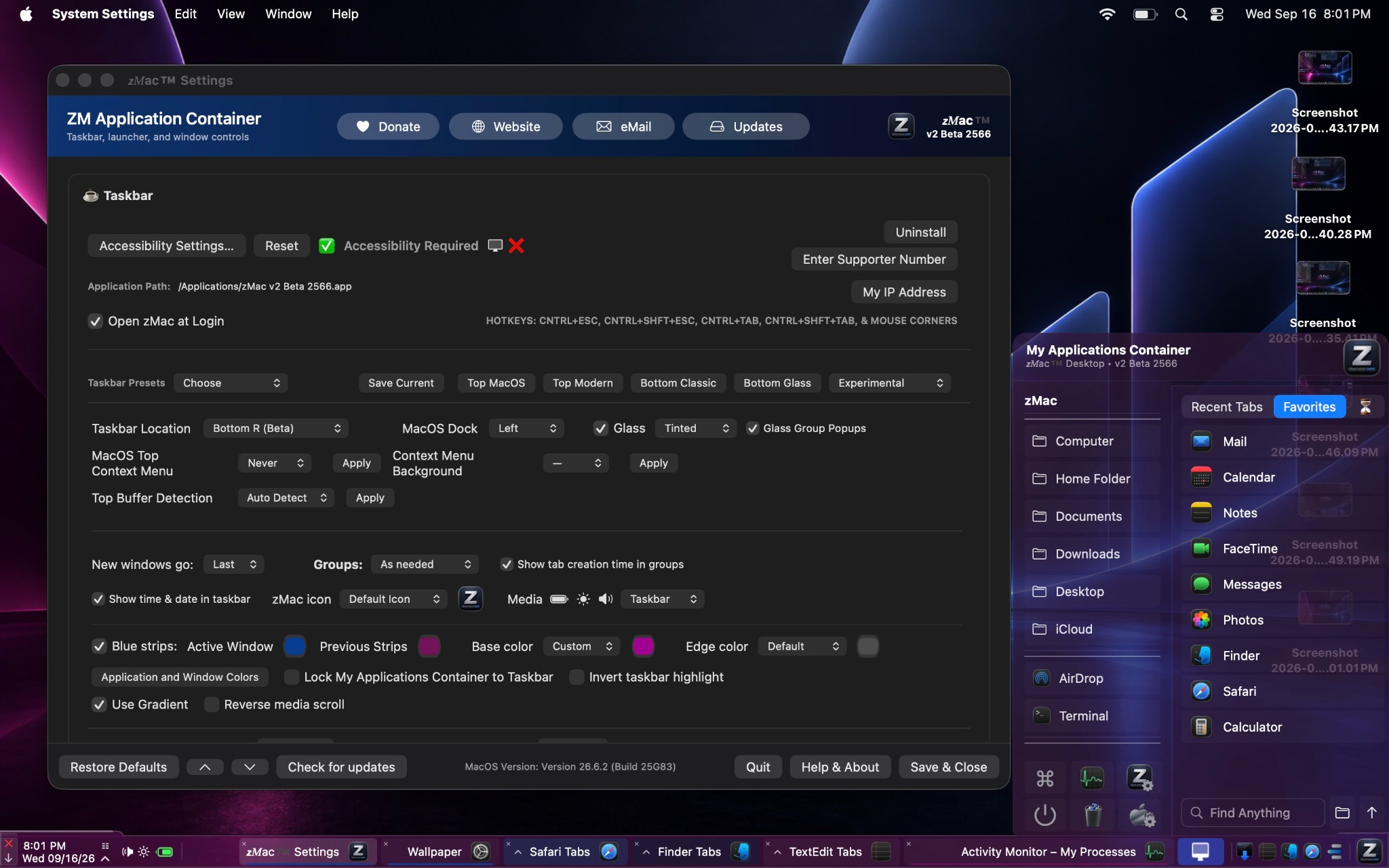
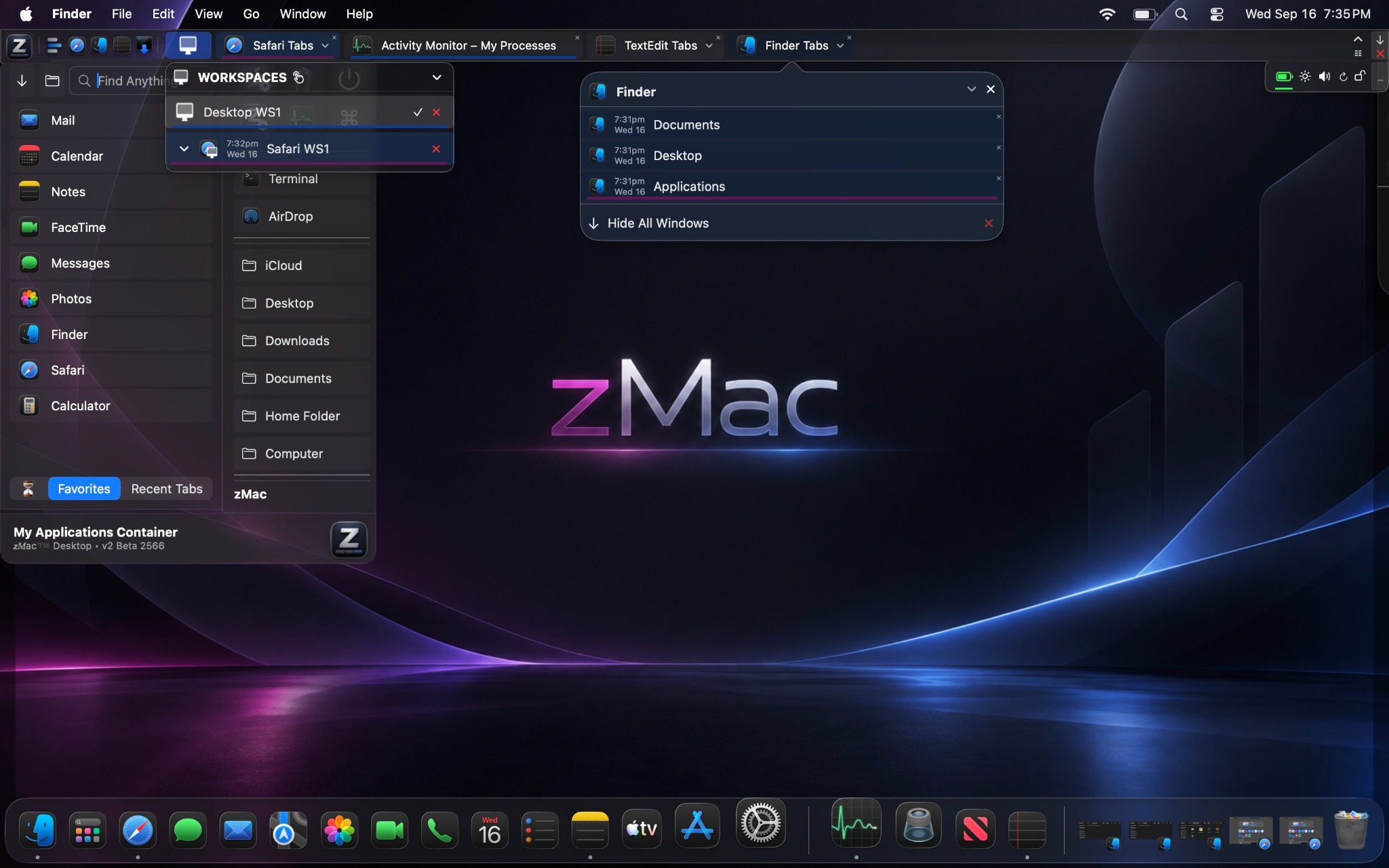
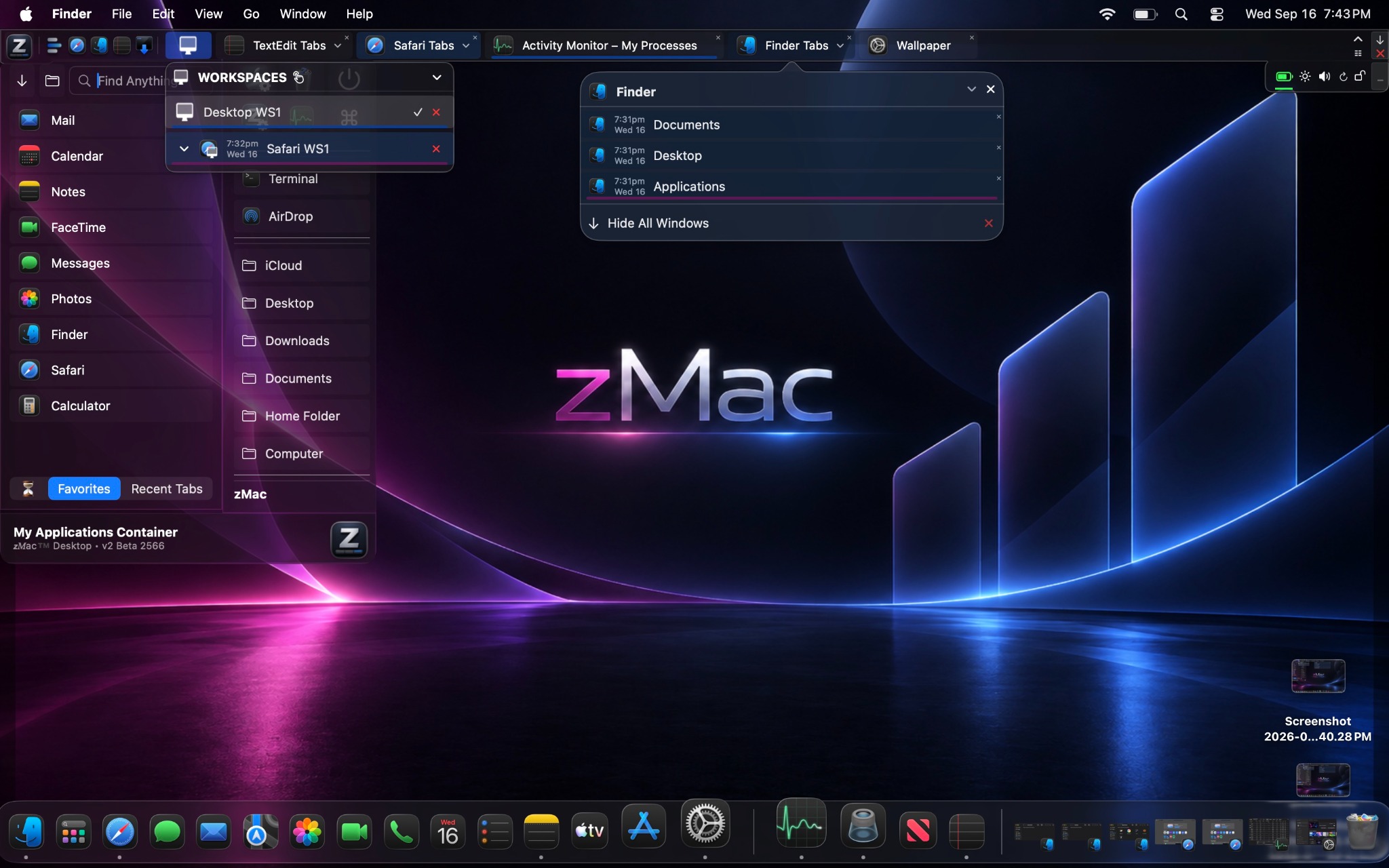
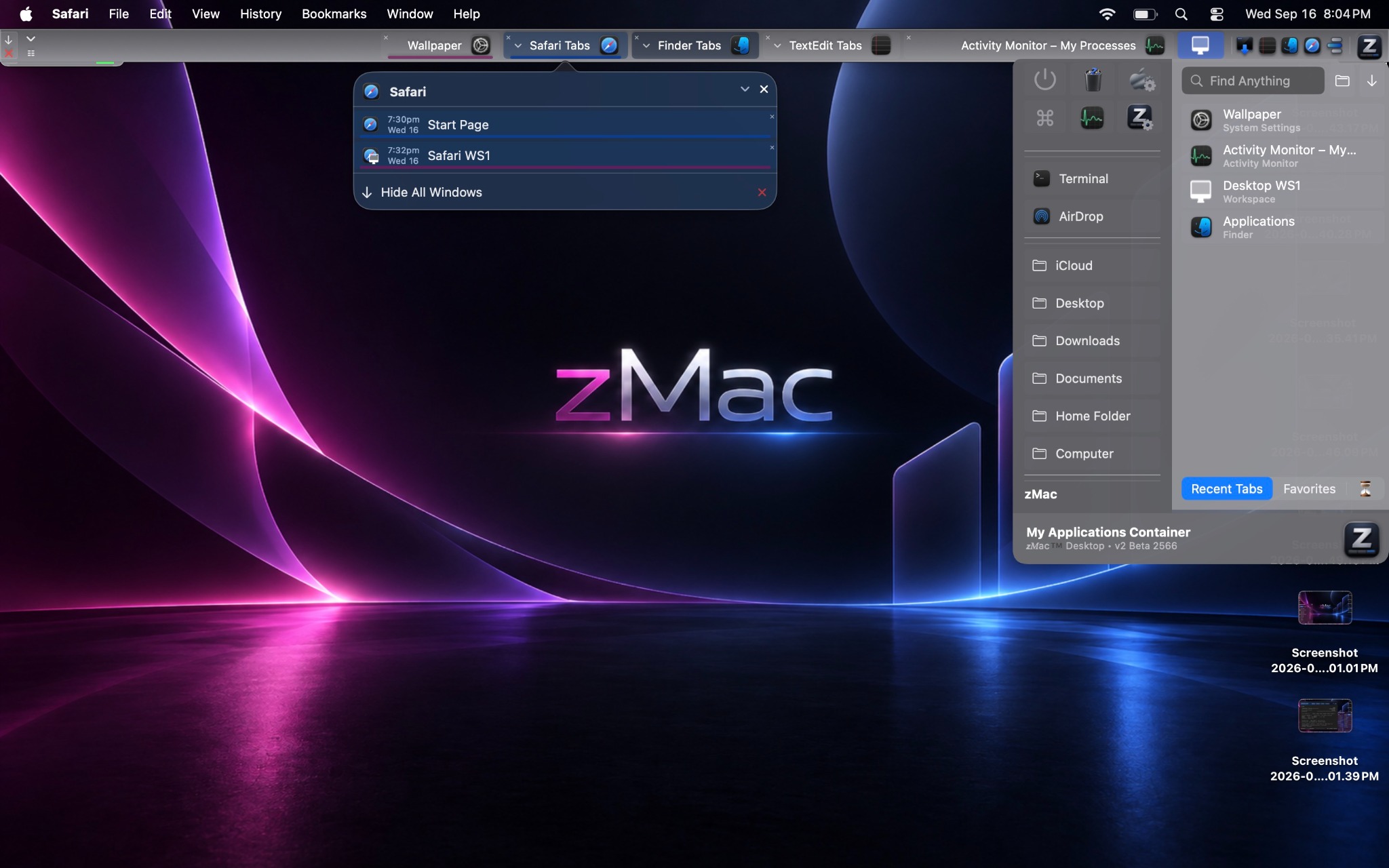
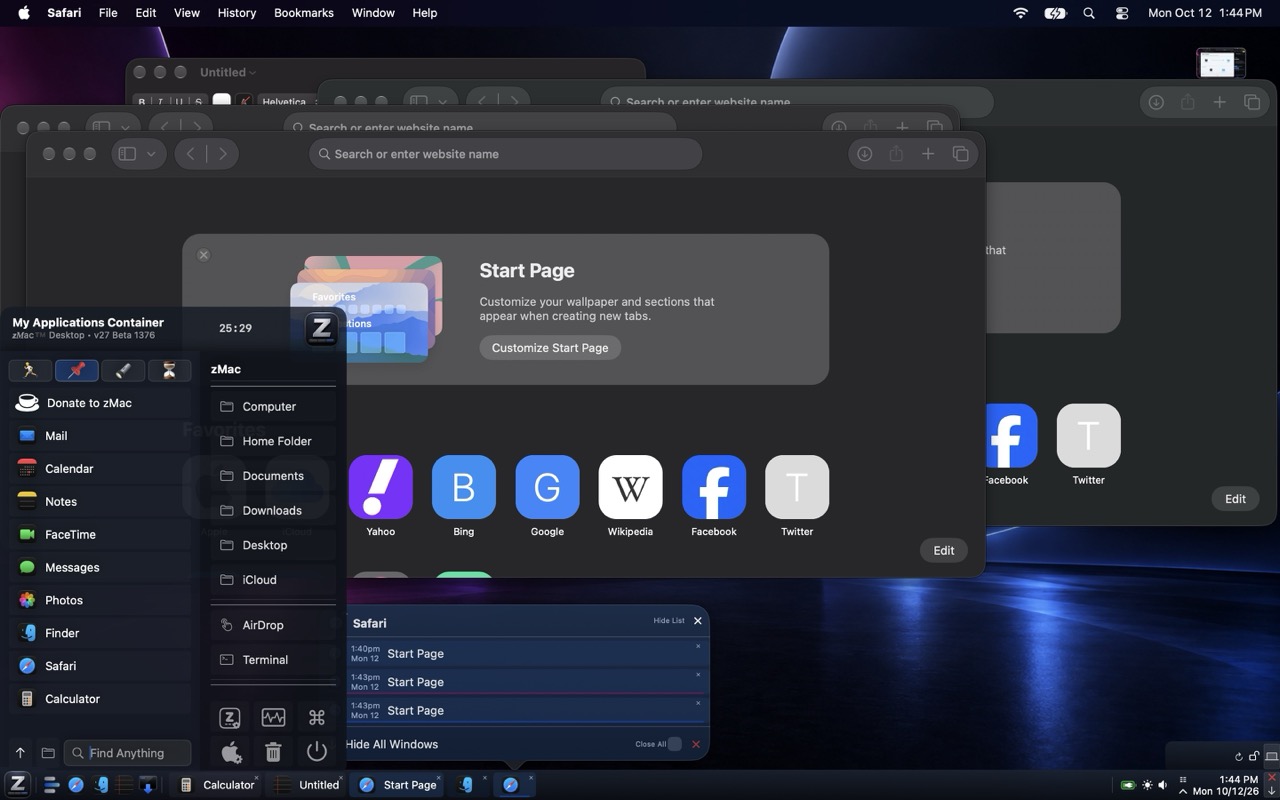
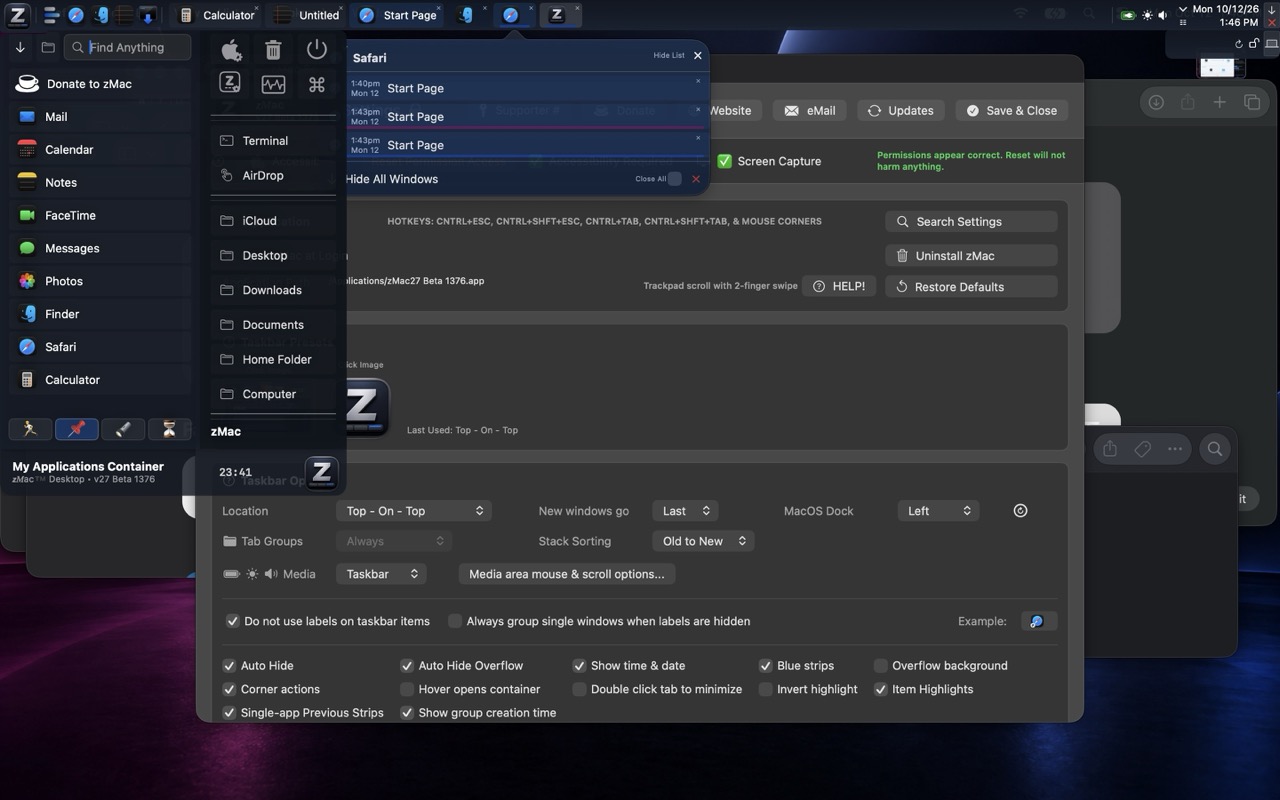
Looking for a macOS taskbar, Start Menu equivalent or Dock alternative?
You may be looking for a macOS 27 26 15 (macOSX) Start Menu, taskbar, Dock replacement, Dock alternative,
tab switcher or task switcher, window switcher, window manager, taskbar utility, app launcher, classic menu, "old school", power user, taskbar keyboard shortcuts,
applications container, Start Menu for macOS, or an alternative to uBar and other discontinued,
overly minimal, or overly complicated Start Menu-style taskbars. zMac provides auto-hide,
customizable application launching, taskbar window tabs and a simple but powerful desktop program
manager designed for low overhead on modern Macs.
zMac is designed for modern Apple macOS systems and compiled for Apple Silicon M1, M2, M3, M4 and M5 series chips and for Intel chips on Classic version, across MacBook, MacBook Pro, MacBook Air and Mac mini.
Compatibility is not guaranteed.
zMac is a new, free personal-use application currently offered for personal use and beta testing.
*** The settings will be limited to default as installed settings without a supporter number.
It may be exactly what you have been looking for if you want a more intuitive desktop, easier
application launching and a familiar way to identify specific application windows. Users coming
from Linux, Microsoft Windows or other taskbar-oriented desktop environments may find the workflow
familiar, but zMac is not an emulation, clone or copy of Windows, Linux, uBar or any other operating
system or application. It is not meant to compete with or copy anything; it is simply filling a gap
that I needed to fill.
If you arrived here searching for something like a Windows 7-style Start Menu for macOS or MacBook,
a taskbar for Mac, a macOS Dock replacement, or a traditional desktop application launcher, zMac may
provide many of the workflow features you had in mind while remaining its own independent macOS application. shift+conro+escape, control escape, alt-tab (control tab switcher)...
Questions, feature requests, commercial license requests and simple thank-yous are welcome at contact@zmacsoftware.com. If zMac
is useful to you, you can also buy me a cup of coffee by making an optional donation. zMac is
donateware / freeware for personal use and beta testing only using the defaults only. Commercial use requires
permission or a commercial license. Advanced settings configurations requires supporter access. Durring install you will have top or bottom options, any settings change afterwards requires you to be a supporter.
 zMac
zMac